There is 2 ways to do this.
Method 1.. Go directly to the control panel which is at https://control.apexhost.net.au
Method 2.. Access the control panel from within your Client area. This is best suited for those who have multiple accounts and want to access the control panel without having to remeber all the user/pass details.
Method 1: See this article: http://www.apexhost.com.au/knowledgebase.php?action=displayarticle&id=48
Method 2:
We assume you have logged into the Client area by following this article: http://www.apexhost.com.au/knowledgebase.php?action=displayarticle&id=85
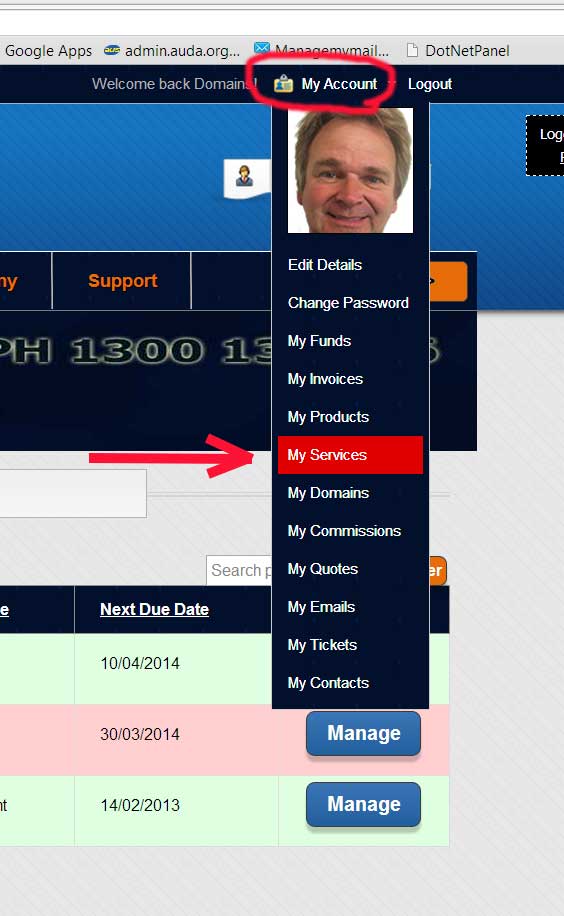
Once logged in click on the top menu My Account then select My Services:
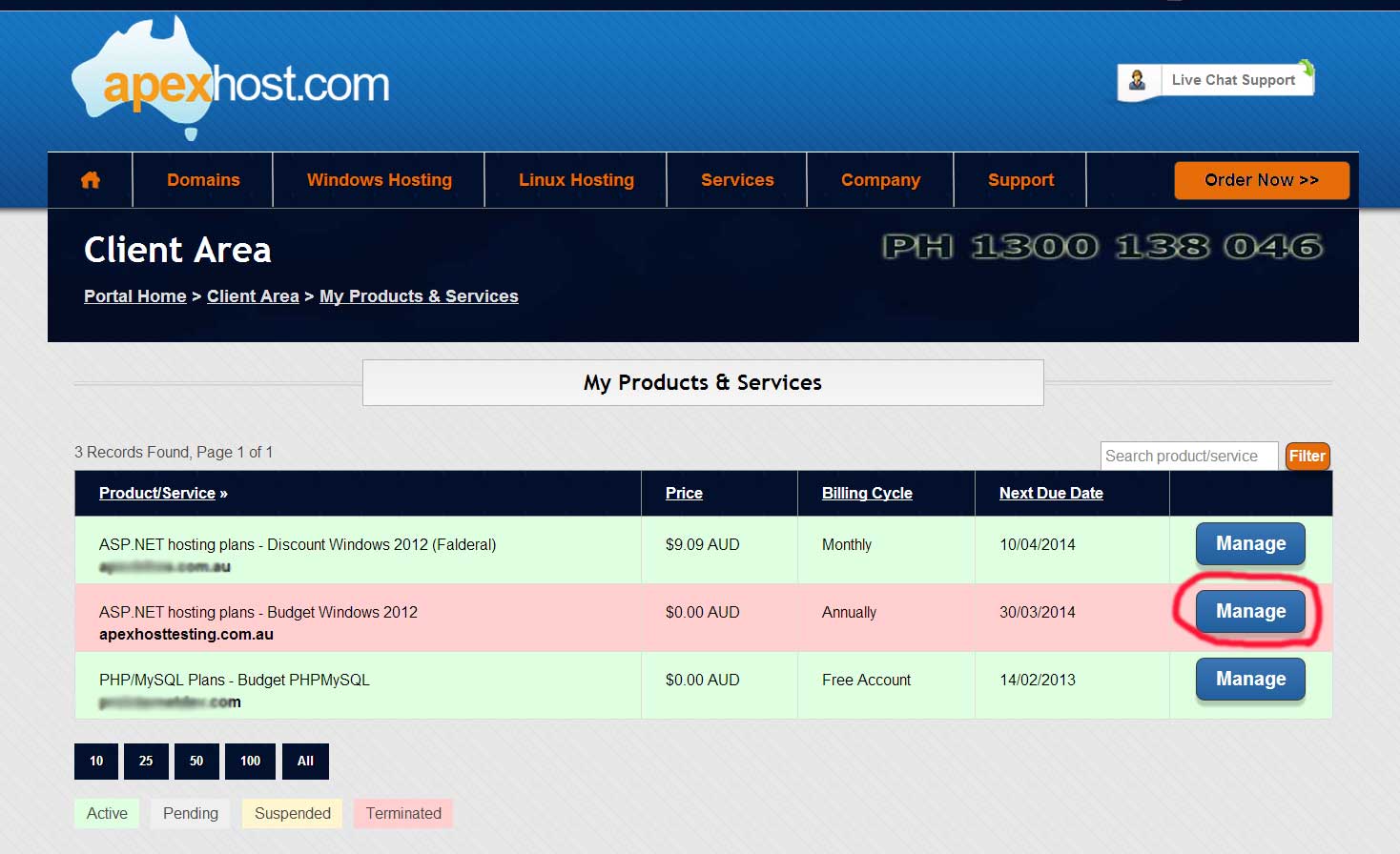
You will see this screen with your current services
Next page you will see the bellow screen, click on the Manage button next to the account you want to login to.
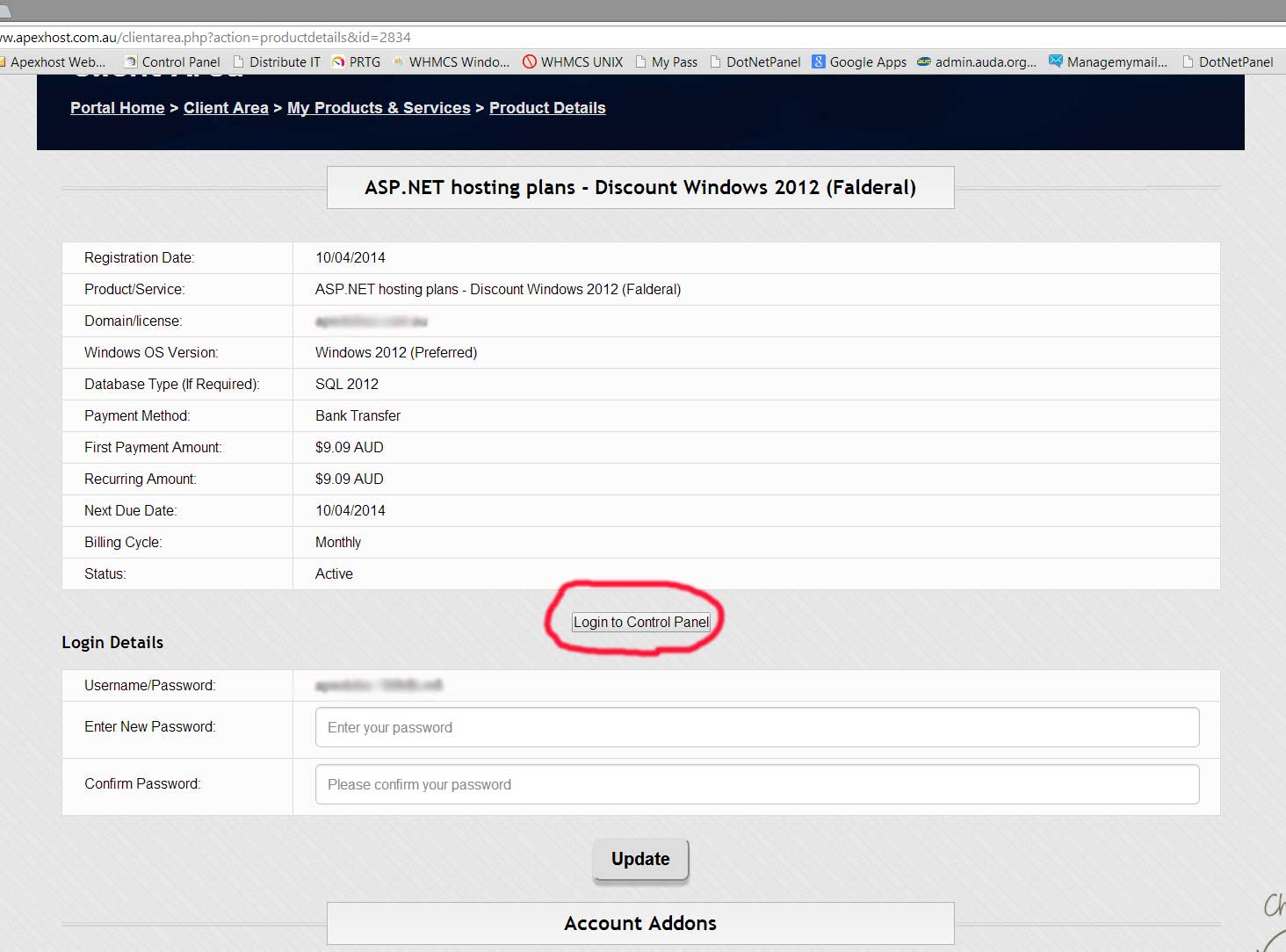
The next page will show you your plan details and a Login to Control Panel button, this will open the control panel in a new page and auto log you in as well.