
Go to http://www.apexhost.com.au
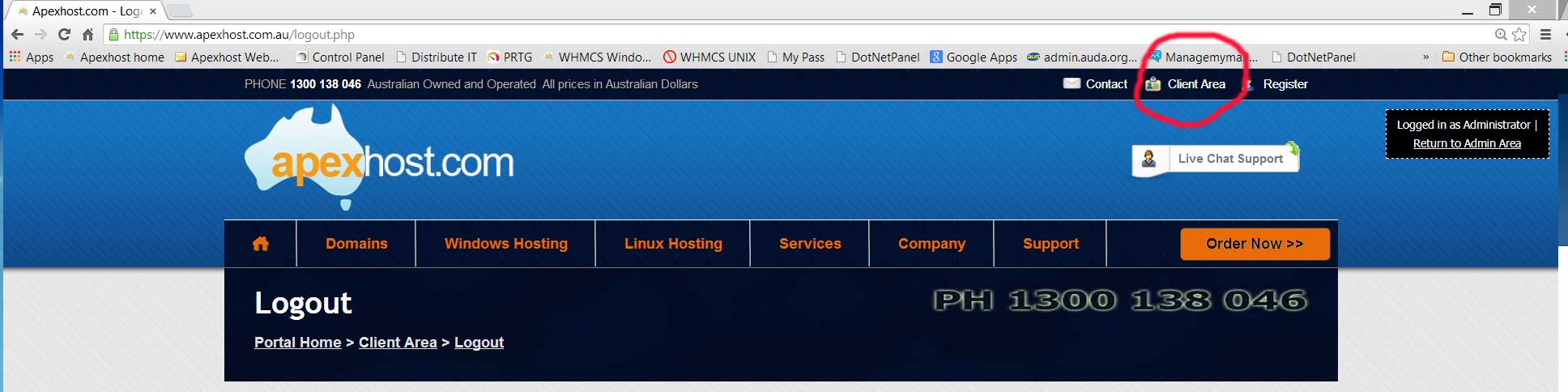
Click on the Client Area link on the top right of the screen
You will see this login screen
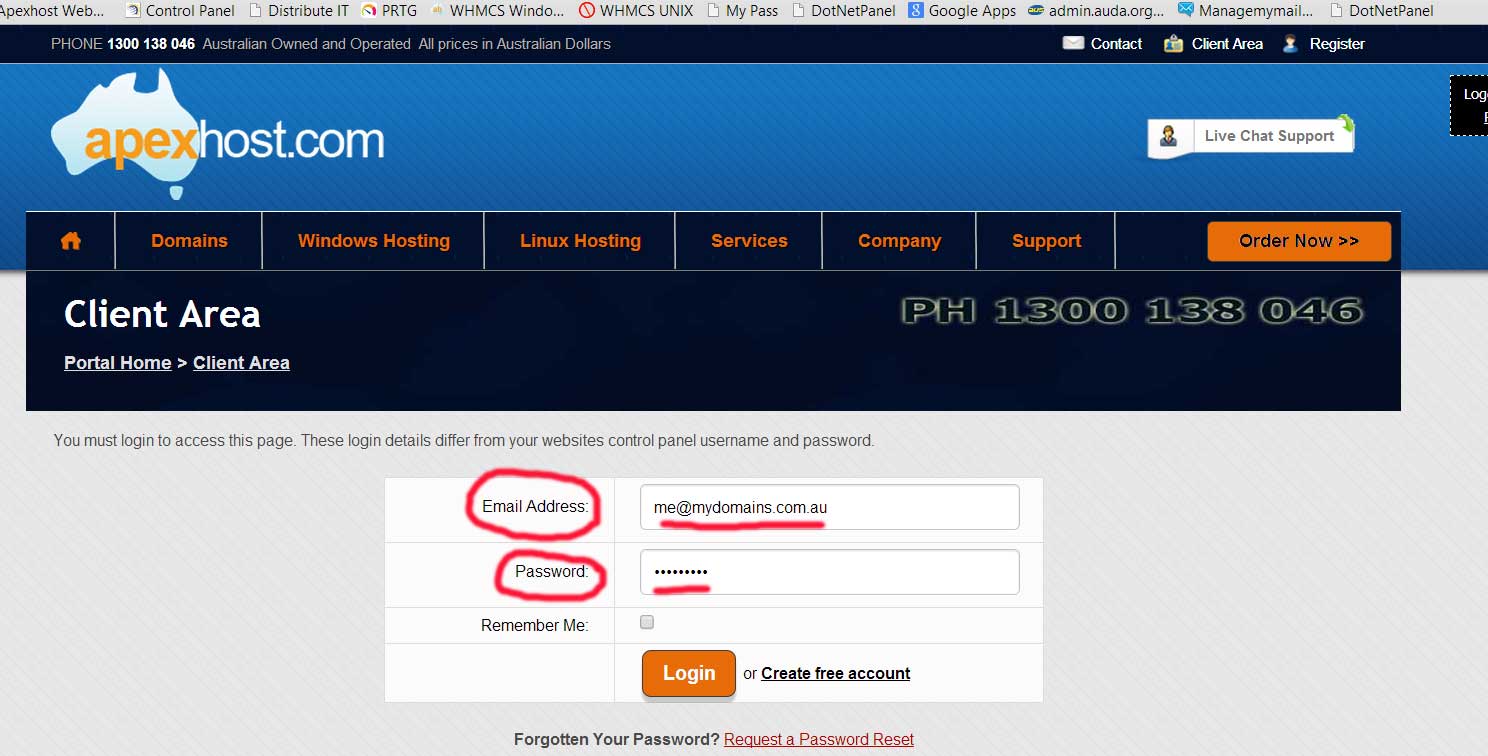
Enter you email address and password that you used when you signed up with Apexhost.
If you have forgotten the password click on the Request password reset, enter your email address and the system will send you the password.
If you have forgotten your email address please email support and request they send you your details, or ring us on 1300 138 046
Once logged in you will see the following
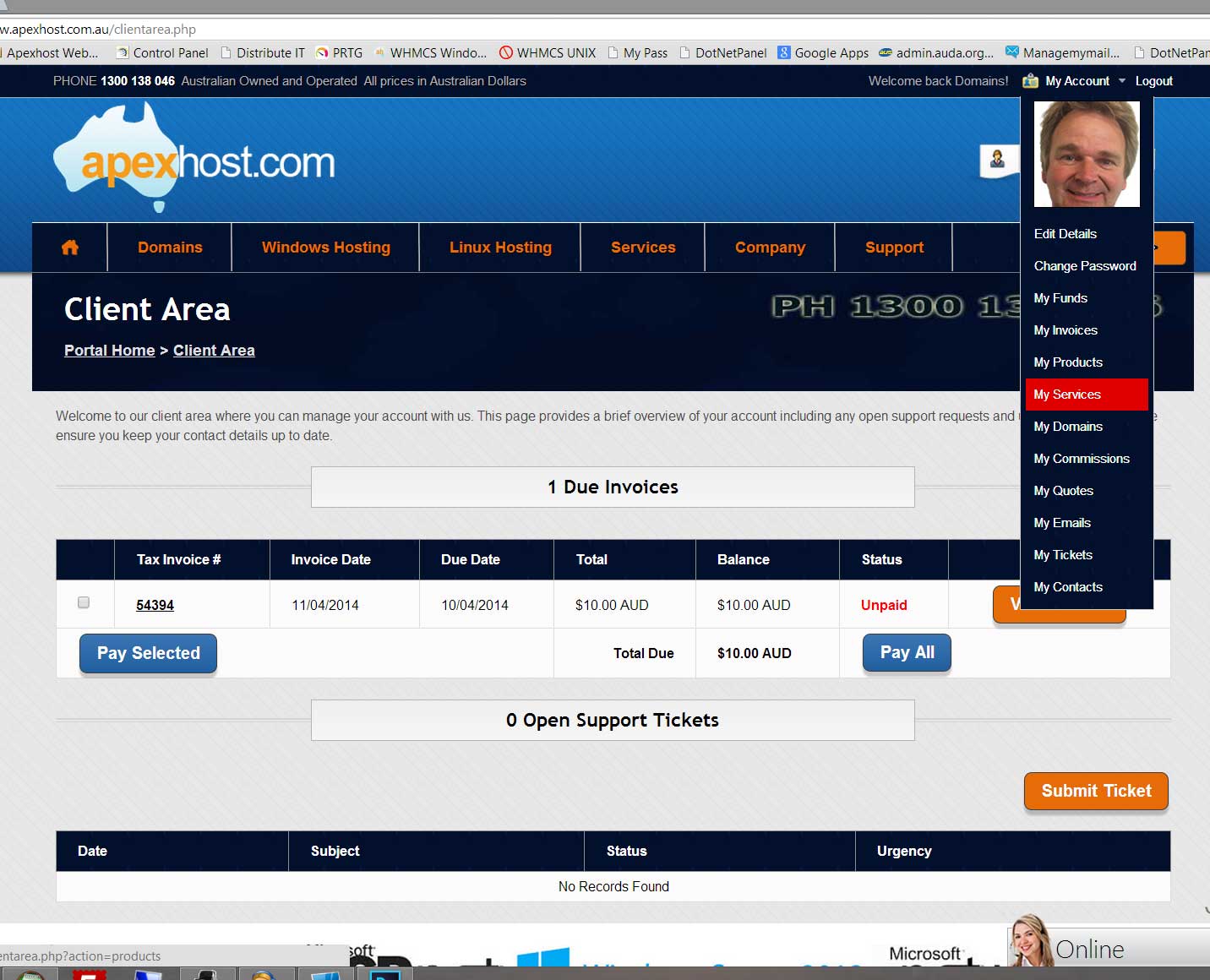
Using the same menu at the top now reveals all the menu items for you to manage your account/s
For a break down of each menu item please see this article: http://www.apexhost.com.au/knowledgebase.php?action=displayarticle&id=84
You can also login to your hosting control panel from here as well, for this please go to this article: